






Have you ever had an unexpected traffic challan in Lahore catch you off-guard? Most car owners discover that they have a pending fine only when they are attempting to renew their documents. Luckily checking your e-challan in Lahore has now become a very quick, simple, and entirely virtual exercise.
This guide will take you through how to check your e-challan by using your vehicle number or CNIC through the Punjab Safe Cities Authority (PSCA) portal.
How to Check Your E-challan Online in Lahore
The Punjab Safe Cities Authority (PSCA) allows citizens to check fines for visitors online using either a car number or CNIC. Just follow these simple steps:
- Enter Your Car Registration Number or CNIC.
- Click “Check Challan.
- Challan details, including the challan number, type of violation, amount of fine, and date it was issued will be displayed.
Tip: Enter your vehicle number without any spaces (e.g. LEB1234).
The PSCA system is permanently hooked to real-time traffic records of Punjab police thereby ensuring total correctness and authenticity.
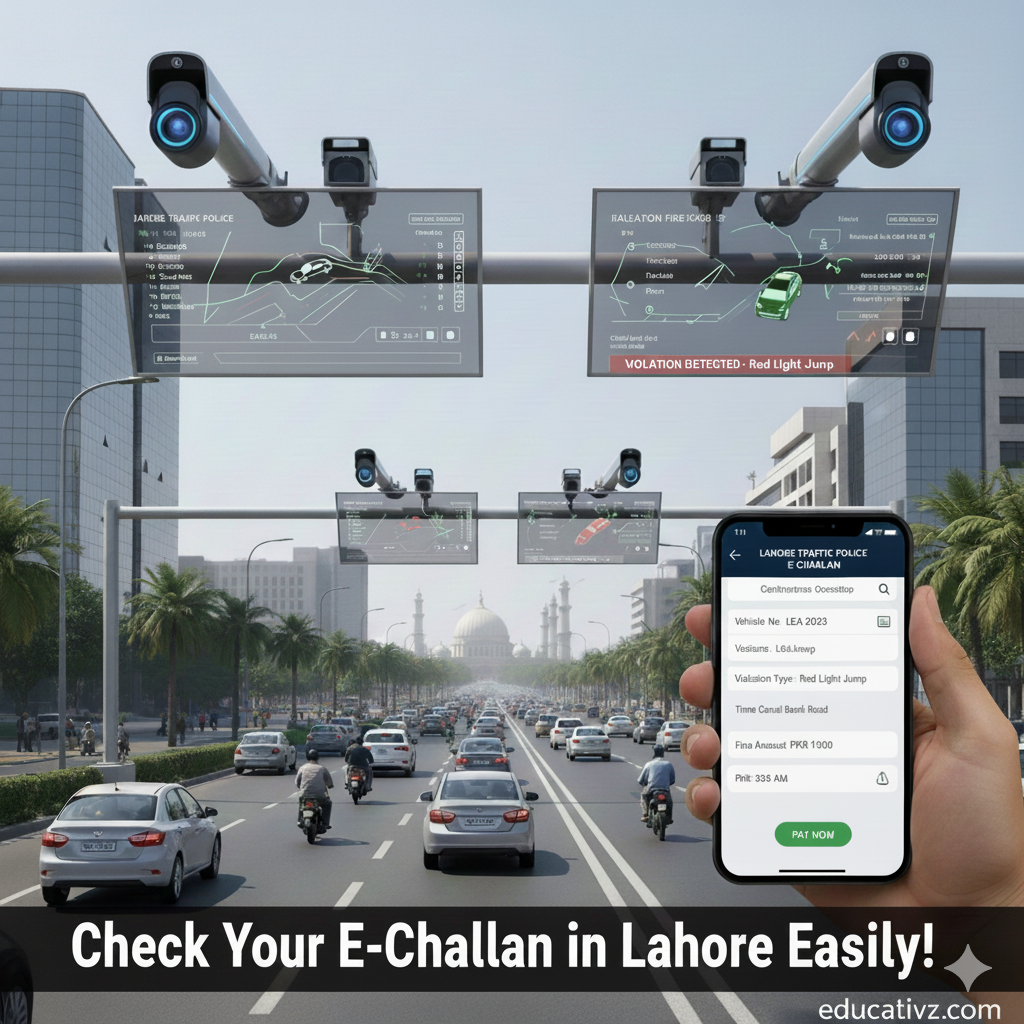
About the Punjab Safe Cities Authority (PSCA)
The Punjab Safe Cities Authority is charged with managing the intelligent traffic enforcement system in Lahore. Equipped with multiple high-definition cameras the PSCA monitors major roads and intersections for violations like:
- Jumping red signals.
- Riding without a helmet.
- Taking wrong turns or unauthorized lane changes.
This technology has brought in new coherence in reducing manual ticketing and safer roads all over Lahore.
Types of Traffic Violations Captured in Lahore
E-challan system in Lahore entails a myriad of traffic violations. Cameras set up on major intersections also automatic every infraction with photo and video recording. Below is a comparison of fines that are more common in Lahore:
| Violation | Motorcycle Fine (PKR) | Car Fine (PKR) |
| Exceeding Speed Limit | 200 | 500 |
| Violation of Traffic Signals | 200 | 500 |
| Driving on the Wrong Side | 2,000 | 2,000 |
| Riding Without a Helmet | 2,000 | N/A |
| Using a Mobile Phone While Driving | 200 | 500 |
| Not Fastening Seatbelt | 200 | 500 |
Fines are subject to change based on the latest regulations by the traffic authorities.
How to Download a Duplicate E-Challan Slip
In case your challan slip is misplaced or gets incriminating, a simple procedure follows to download a copy:
- Put in your car number or CNIC.
- Hit “Check Challan.”
- Click on “Download/Print” to save a copy.
This will be used to pay the fine at the Bank of Punjab or any Traffic Enforcement Center in Lahore.
Check E-challan Using CNIC or Vehicle Number
The PSCA machine delivers strategies on how to check pending challans:
- Using the Vehicle Number
- Enter your registered vehicle number (e.g. LEB1234).
- Click “Search” to see all pending challans.
2.Using CNIC
- Enter your valid CNIC without dashes.
- It will show all the challans associated with the cars registered on your name.
- CNIC option benefits families or fleet owners managing multiple cars. Just make sure always to check directly with the original PSCA site.
Why Digital Challans Improve Lahore’s Road Safety
Digital challans are more than just fines they may serve to develop a more secure, smarter city. The PSCA has deployed over 600 AI-enabled cameras that keep an eye on visitors 24/7. There has been an immense increase in driver behavior since the advent of the machine.
The regular checking of e-challans is still providing transparency and ensuring accountability for drivers. Thus creating a more disciplined street environment.
FAQs – E-challan Check Lahore
Q1. How would I go about testing my e-challan on-line in Lahore?
Visit https://echallan.Percent.Gop.Pk and put in your automobile number or CNIC.
Q2. How could I do a download of a duplicate e-challan slip?
Simply enter your car or CNIC in the PSCA portal verify the information and click on Download / Print.
Q3. Can I check my challan using my CNIC?
Yes, all challans against your CNIC could be seen from the PSCA portal.
Q4. What is the time taken by new challans for appearing online, after issuance?
A new challan generally appears online within 24 hours upon the detection of PSCA cameras.
Q5. What shall I do in case I get an incorrect challan notice?
You should contact the PSCA or visit the nearest Lahore Traffic Police office with your registration documents for correction.
Conclusion
These days, checking your traffic fines has never been so trustworthy. After doing an e-challan check in Lahore you can keep yourself in-the-know. Avoid consequences and contribute to a safer road environment.
The newly-found buzz in traffic fine checking is right here with e-challans in Lahore. A bitten apple would keep you from being punished and also save you from the mistake of collecting fines in pure air.
📢 For the latest Education news and analysis join Educativz’s WhatsApp Group now!