






Last Updated: February 24, 2026
Author: Muhammad Imran – Educativz.com
Source: Official Meta Beta Updates | WABetaInfo
WhatsApp Group: Jobs Updates & Schemes
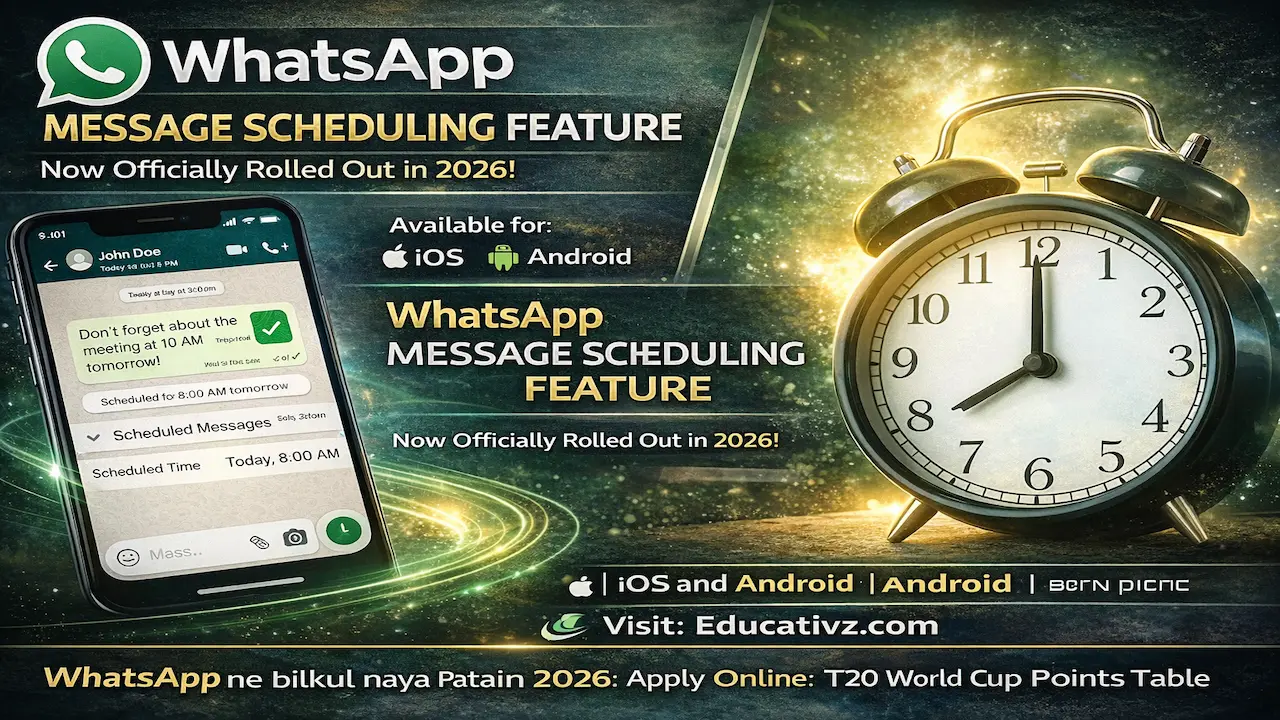
WhatsApp Message Scheduling Feature: For years, users have been waiting for a built-in way to send messages at a specific time. In 2026, WhatsApp is rolling out its official “Scheduled Messages” feature. This native tool allows you to compose a message, select a date and time, and let WhatsApp handle the delivery automatically—no third-party apps required.
WhatsApp ne bilkul naya “Scheduled Messages” feature mutarif karwaya hai jo ab beta testers ke liye dastyab hai. Is feature ki madad se aap kisi ka birthday wish, kaam ka reminder, ya koi bhi zaroori message pehle se likh kar us ka time set kar sakte hain. Ye feature Android aur iPhone dono users ke liye aik jaisa kaam karega aur is ke liye kisi extra app ki zaroorat nahi hogi.
👉 Relief Alert: Maryam Ko Batain 2026: Rs 10,000 Ramadan Relief Registration
📌 WhatsApp Schedule Messages: Quick Guide
| Feature | Details |
| Official Name | WhatsApp Scheduled Messages |
| Availability | iOS (Beta), Android (Beta Rollout) |
| Cost | 100% Free for Personal Accounts |
| Privacy | End-to-End Encrypted |
| Management | View, Edit, or Delete before sending |
👉 Tech Alert: Samsung Galaxy S26 Ultra Price in Pakistan 2026: Specs, PTA Tax & Agentic AI
1. How to Schedule WhatsApp Messages on iOS (iPhone)
Apple users can now see this feature in the latest beta version (26.7.10.72). For more official troubleshooting, you can check the WhatsApp Help Center for iOS.
-
- Step 1: Open a chat and type your message.
- Step 2: Long-press the Send button (or look for the “+” icon menu).
- Step 3: Select “Schedule Message”.
- Step 4: Choose the Date and Time from the picker.
- Step 5: Hit Confirm. The message will stay in a “Pending” state in a new dedicated section within the Chat Info.
👉 Jobs Update: WAPDA Lahore Jobs 2026: Apply Online
2. How to Schedule WhatsApp Messages on Android
Android users are receiving this through the Google Play Beta program. For detailed device compatibility, visit the WhatsApp Android Support Page.
-
- Step 1: Compose your text in any individual or group chat.
- Step 2: Tap the Clock icon (or long-press Send) to open scheduling options.
- Step 3: Set your preferred delivery parameters.
- Step 4: You can manage your queued messages by tapping “Scheduled Messages” under the contact’s profile name.
👉 Relief Package: PM Ramadan Relief Package 2026 Check Online: Rs 10,000
3. 📝 Short Summary: Why This Feature is a Game Changer
Is feature ki wajah se users ki life bohot asan ho jayegi:
-
- Privacy Safety: Ab aap ko third-party apps (jaise SKEDit) ko accessibility permissions nahi deni parengi, jo pehle privacy risk hota tha.
- Silent Deletion: Agar aap ne koi message schedule kiya hai aur baad mein irada badal gaya, toh aap usay delete kar sakte hain aur receiver ko pata bhi nahi chalay ga.
- Business Efficiency: Chote karobari hazrat ab apne customers ko deals aur reminders behtar waqt par bhej sakenge.
👉 Job Alert: WAPDA Lahore Jobs 2026: Apply Online Guide
4. Third-Party Workarounds (If you don’t have the update yet)
If the official feature hasn’t reached your phone yet, you can still use these methods:
-
- iPhone: Use the Shortcuts App to create a personal automation.
- Android: Apps like SKEDit or Zapia (AI Assistant) can help, but they require extra permissions.
- WhatsApp Business: You can use “Away Messages” for basic automation, though it’s not true scheduling.
👉 Support Program: Punjab Bewa Support Card 2026
5. Frequently Asked Questions (FAQs)
Q: Can I schedule messages in WhatsApp Groups?
Yes, the official feature works for both individual and group chats.
Q: Will the recipient know the message was scheduled?
No, it appears as a normal message when it is delivered.
Q: What if my phone is offline at the scheduled time?
WhatsApp usually sends the message as soon as the phone reconnects to the internet, though for native scheduling, it may rely on Meta’s servers to push the message.
👉 T20 World Cup 2026: ICC T20 World Cup Points 2026 Updated
✍️ About the Author: Muhammad Imran
Muhammad Imran is a tech and career expert at Educativz.com. He specializes in exploring hidden WhatsApp features and government schemes to keep the Pakistani community updated with the latest digital tools.